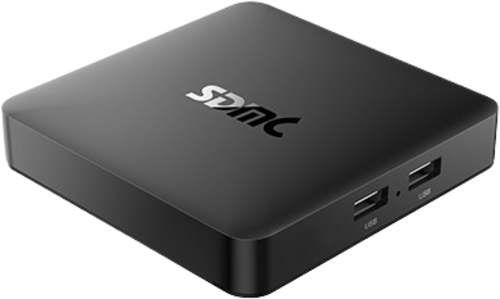
Important: An official method of unlocking the bootloader is not available, but there may be some unofficial methods available.
Unofficial methods are not recommended or supported by LineageOS, so use them at your own risk!
An unlocked bootloader is required to install LineageOS.
Downloads
Guides
Special boot modes
- Recovery: With the device powered off and unplugged, power on the device while holding the USB Boot Button (the hole between two USB ports) until the device boots to LineageOS recovery.
- Bootloader/Fastboot/Download: With USB Debugging turned on in Developer Options, connect the device to your host machine and run
adb reboot fastboot. - Burn Mode: With the device powered off and unplugged, connect USB to your host machine, power on the device while holding the USB Boot Button (the hole between two USB ports) until the device enumerates on your host machine.
Known quirks
Find help online
You can find assistance with LineageOS on our subreddit, on our Discord server, or in #LineageOS on Libera.Chat.
Report a bug
If you’d like to report a bug, follow the instructions here.